The problem
Akpa started as a side quest. I’d been exploring a transport protocol at work for moving packets, and I kept wondering: if it can move packets, why not files?
It also scratched a personal itch. I wanted to send files to colleagues without uploading them anywhere first. No drive links, no attachments, no roundabouts. Just point at a folder and hand someone a link.
How it works
Akpa has two halves, both written in Go: a CLI that runs on my machine and a server on the public internet. Point the CLI at a local folder and you get a public link. Requests to that link go to the server, which proxies them down to the CLI, which serves the files.
Passwords the server never sees
Links can be password-protected, and the server never learns the password. When someone opens a protected link, the browser gets a one-time nonce and solves a challenge with the password. The server passes that answer through untouched, and the CLI on my machine is the one that checks it.
That keeps the server stateless: it holds no passwords and no sessions. Failed attempts get throttled progressively, so guessing gets slower the more you guess.
The hard part
Getting files across was the fun bit. The hard part was turning “it works on my machine” into something other people could actually use.
- Installing it. A Go binary on my laptop isn’t a product. I had to work out how to make Akpa installable for people who’ve never heard of it. It ended up as a one-line install script for macOS and Linux, with plain binaries for anyone who’d rather not pipe curl into bash.
- Docs. If nobody can figure out how to use it, it doesn’t exist. Writing them was its own project.
- One process, two servers. The server has to answer browsers over HTTP and hold tunnels open to CLIs over TCP. Running a web server and a TCP server in the same process was something I had to figure out, not something I already knew.
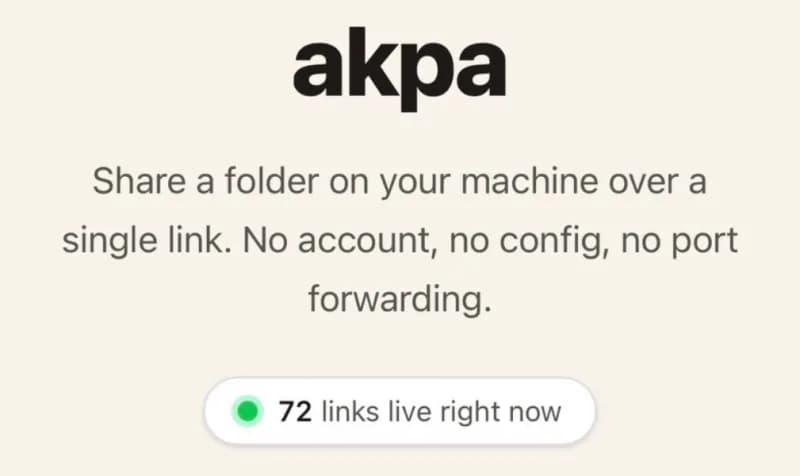
The best moment so far: seeing 72 live links active on the site at the same time. That one made me proud.